


Manage Your Card in Our App and Desktop Banking!
View the full list below.
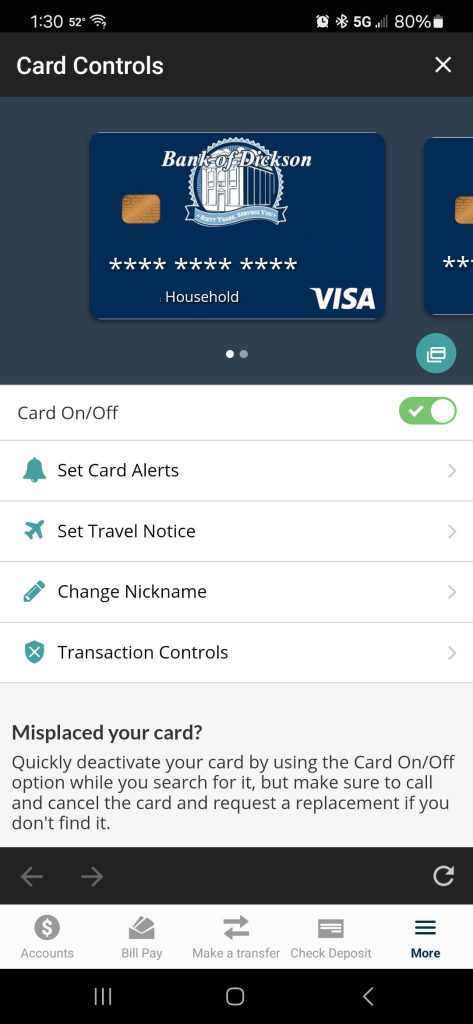
Mobile App Version
Call eBanking support at 615-446-3732 during business hours if you do not see your debit card.
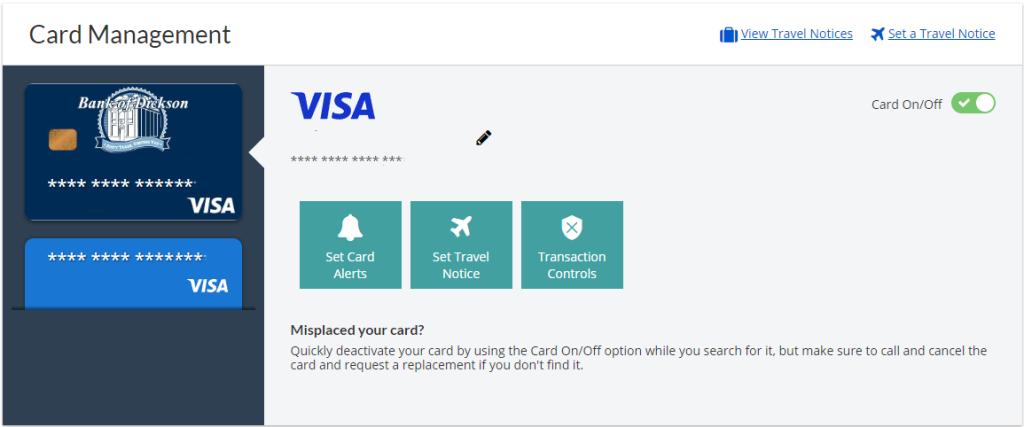
Desktop Version
Call eBanking support at 615-446-3732 during business hours if you do not see your debit card.
Card Alerts
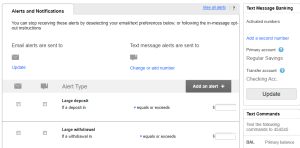
Be notified every time your card is used, whether it be approved or denied. Depending on the device, operating system and permissions granted these alerts can be sent via push (iOS), text or email notifications. For the most reliable experience sign up within the BOD mobile app and make sure your cell phone number is added and activated to receive text messages.
Transaction Controls
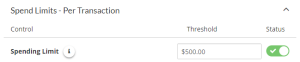
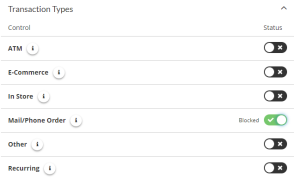
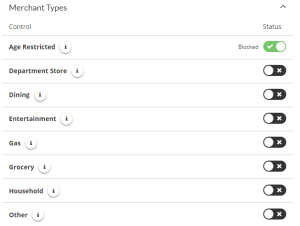
Block certain charges by spending limits, transaction or merchant types. Set a spending limit and nothing over that limit will be processed.
Set Travel Notices
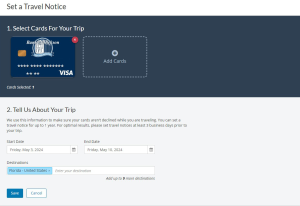
Simply select the card for your trip and give us the travel details, and we will take care of the rest!
Nickname Your Cards
This is very beneficial if you have multiple debit cards for different accounts.

For security purposes, only the debit cards associated with the primary internet banking user’s profile will be accessible in Card Controls.

What's Happening Locally
Discover Recent Stories and Local Happenings
Stay up to date with the Bank of Dickson. Explore our news feed for helpful financial articles, branch updates, and local community spotlights.

Fund Your Next Big Project
Decisions Are Made Locally
Need extra cash? Our flexible personal loans are perfect for major purchases or unexpected expenses, backed by fast decisions from lenders you trust.